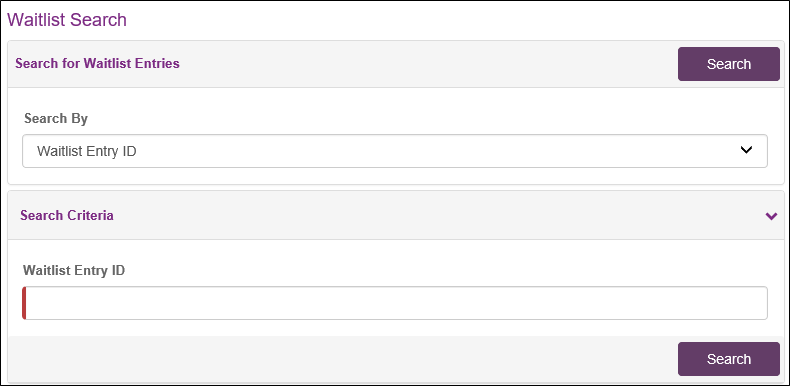
Use Waitlist Search to find WLE
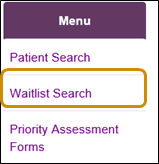
- Click the Waitlist Search link (on left navigation menu).
-
Click the Search By drop down arrow and select a search option.

-
Enter the search criteria and click the Search button.
 |
Note: The criteria depends on your profile and the search option you select.
|
 |
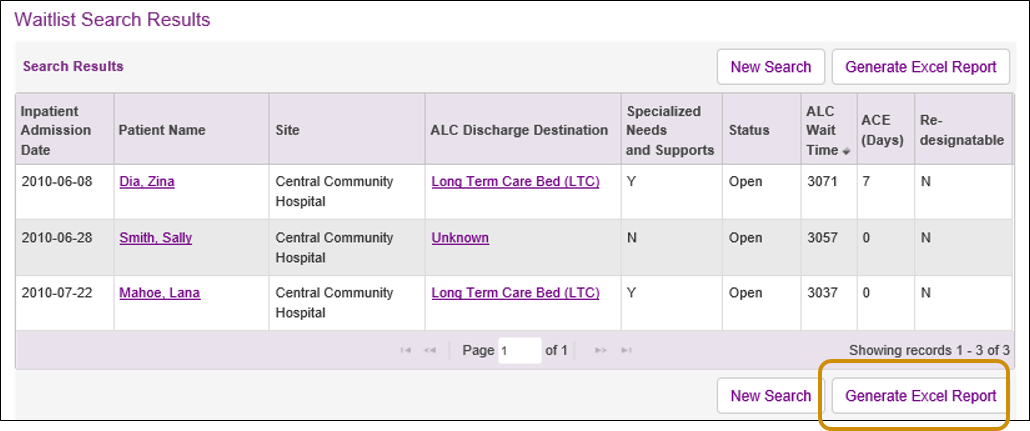
Tip: Click the Generate Excel Report button to export to Excel where you can manipulate the data. |
 |
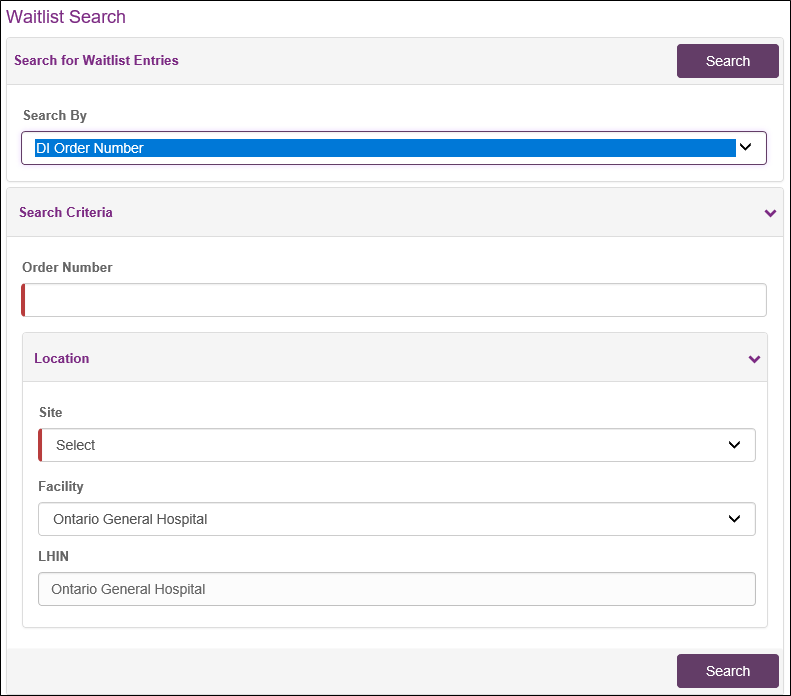
Waitlist Search Criteria
DI Order Number
Surgery Case Number
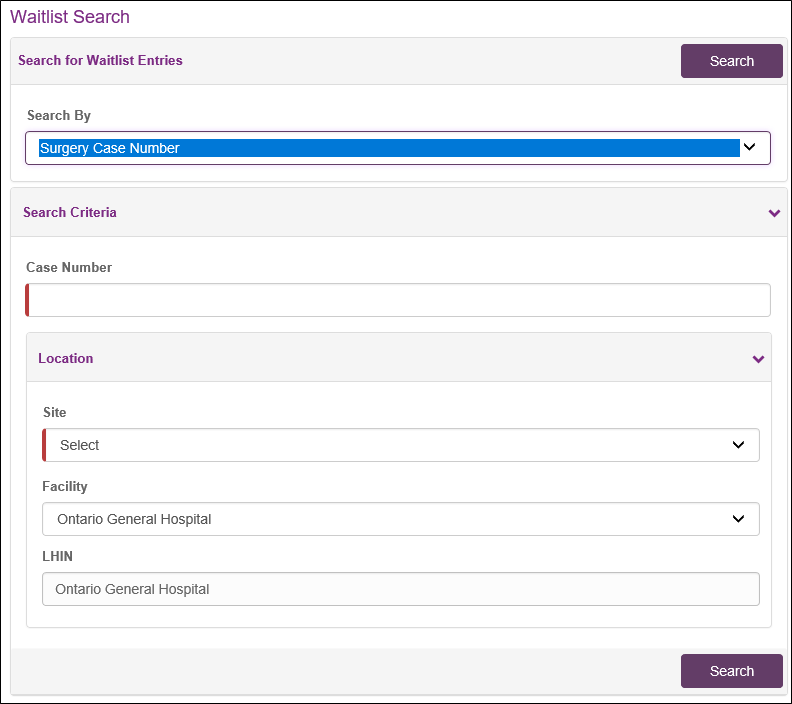
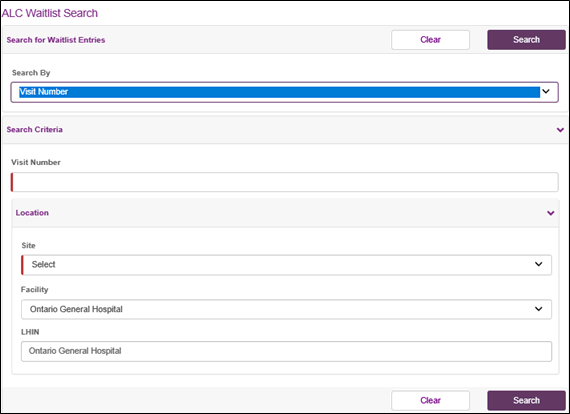
Visit Number
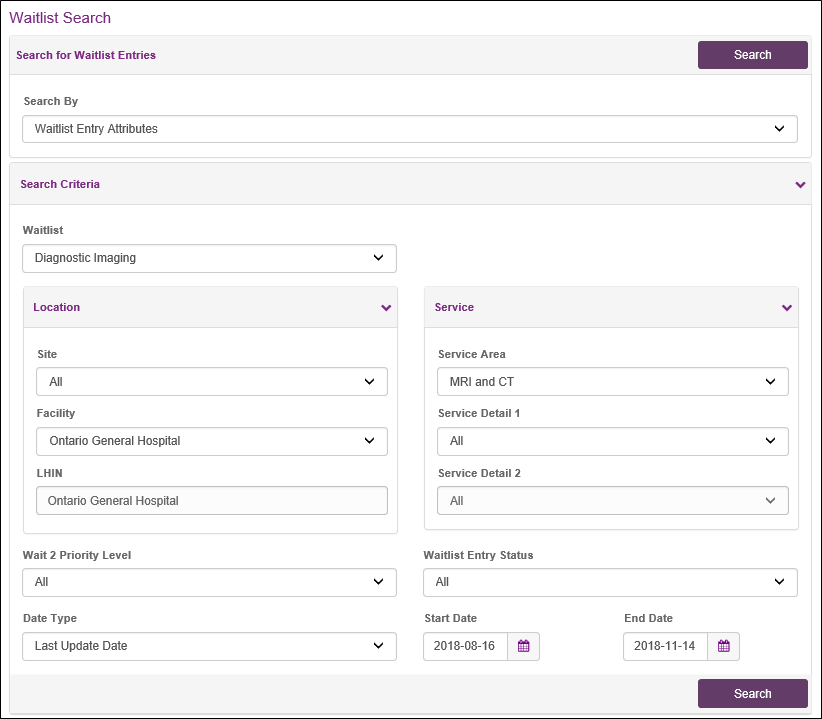
Waitlist Entry Attributes - DI
|
Note: The search is limited to a 90 day period for Surgery and DI. The end date defaults to today's date, the start date defaults to 90 days prior. |
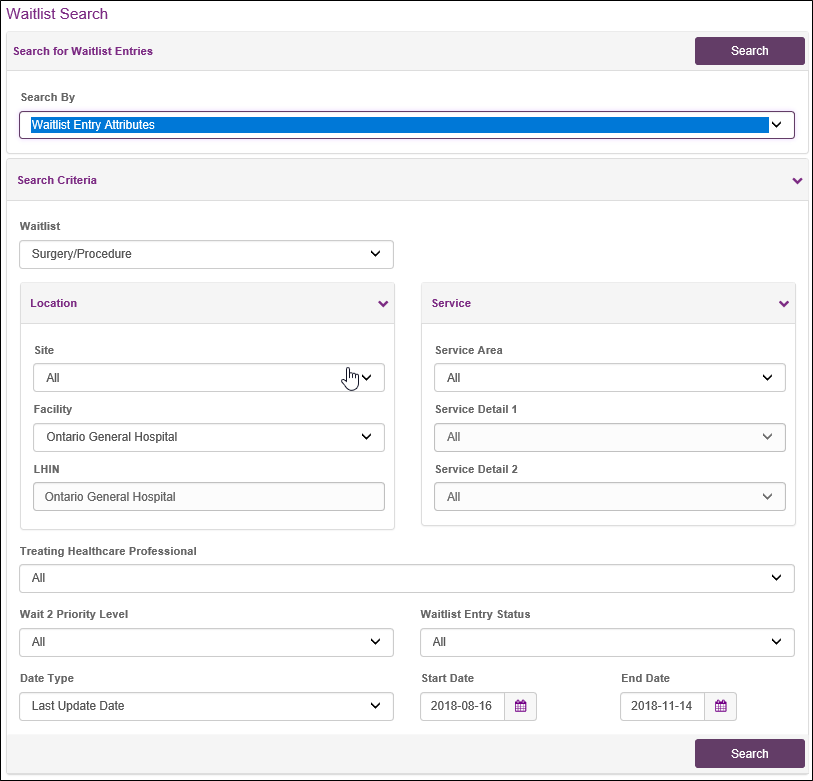
Waitlist Entry Attributes - Surgery
|
Note: The search is limited to a 90 day period for Surgery and DI. The end date defaults to today's date, the start date defaults to 90 days prior. |
Waitlist Entry Attributes - ALC
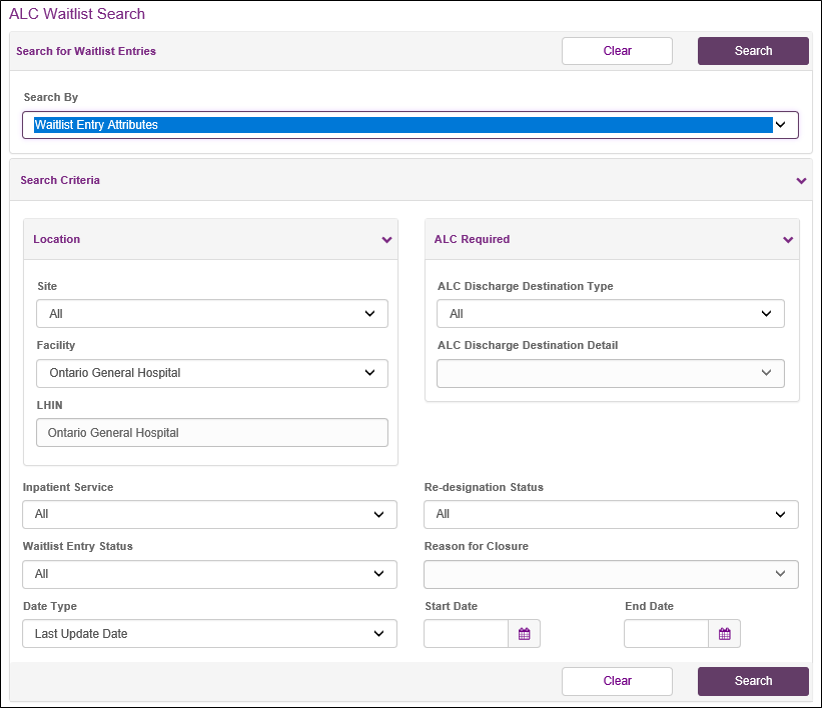
Waitlist Entry ID