Registering for an Additional Ontario Health Collaboration Site
To register for an additional collaboration site:
- Click the Register link provided in your invitation to navigate to the Registration page.

The registration form displays with a message in a red highlighted area above the registration fields: “Your e-mail address is already being used by another account" - Register using your existing Ontario Health account and click on the here link to log into the site. You are redirected to the login screen.

- Enter your existing User Name and Password and click on the Non-CCO Employee Sign In button.
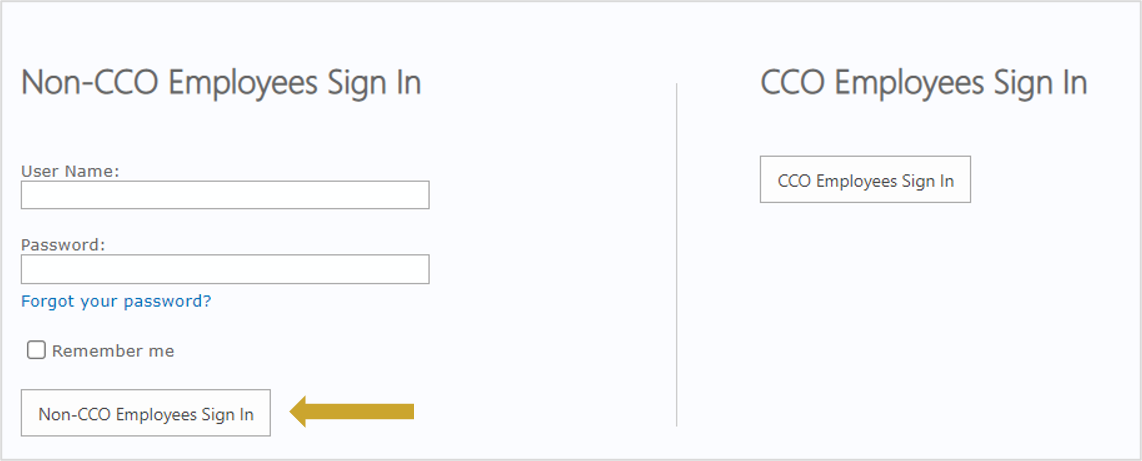
- After logging in, you are redirected to the registration form. Since you have logged in to the system with your existing credentials, the registration form is pre-populated with the account information on file from your previous collaboration site registration.
- You must accept the site’s Terms and Conditions and click on the Submit button to complete the registration.

- Click Continue to Site to be redirected to the site you have just joined. You will also receive an email confirmation.